
Everything between "press record" and "done"
Penova handles the listening, writing and organizing, so the only thing left for you is the part that matters: acting on it.
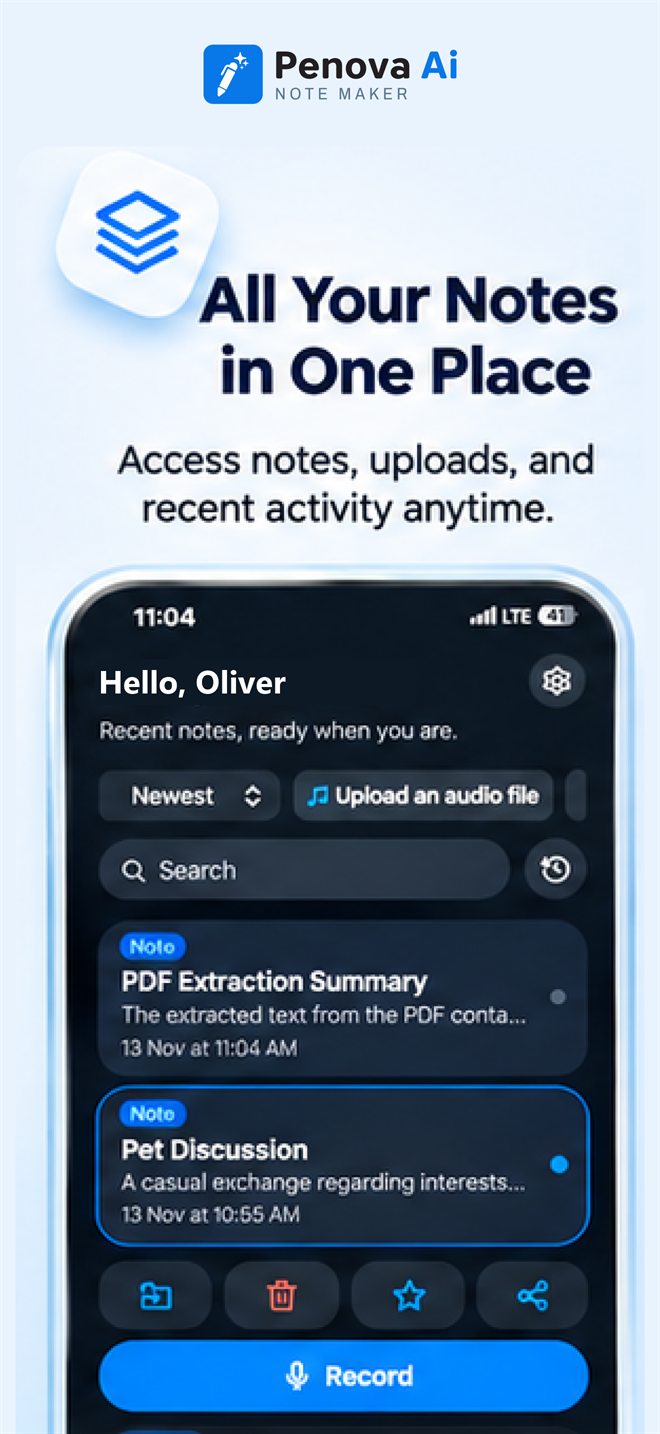
Record a voice note in one tap
Meetings, lectures, interviews or a quick thought on a walk. Press Record and Penova turns it into a note.
- Big Record button right on the Home screen
- Every recording is transcribed and summarized for you
- Your notes are listed on Home, newest first
Import audio, video & PDFs Pro
Already have the recording or the document? Bring it in and Penova makes a note from it.
- Import audio files
- Import MP4 and MOV video on iPhone, up to 200 MB
- Turn a PDF into a summarized note
Video files up to 200 MB.
Transcripts with speaker labels
Every recording becomes a written transcript. With speaker labels, you can also see who said what.
- Full transcript in the note's Transcription tab
- See each speaker and how long they talked Pro
- The audio player labels who is speaking Pro
If we ship the beta on the 24th, QA needs the build by Monday.
That works. I'll update the launch checklist today.
I'll start on the release notes so they're ready for review.
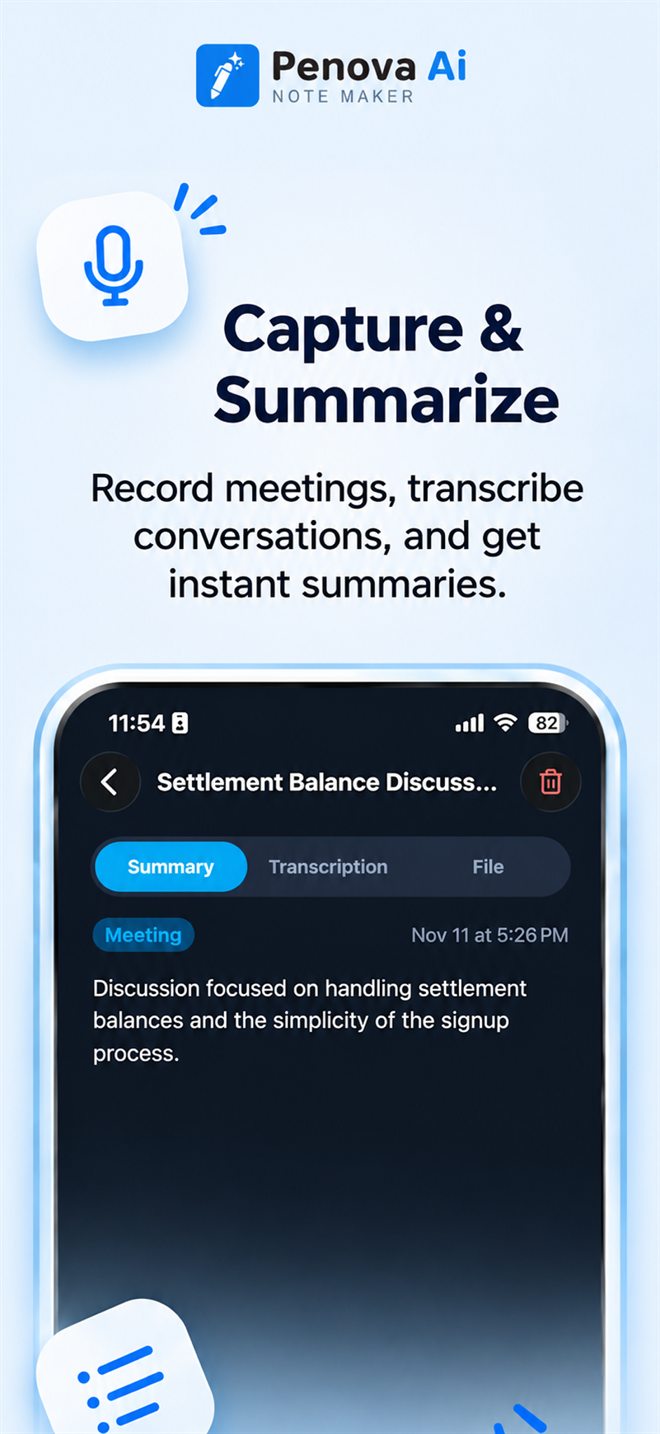
AI summaries for every note
A long conversation becomes a page you can read in a minute.
- Every note has its own Summary tab
- The key points, written clearly
- Switch between Summary, Transcription and File
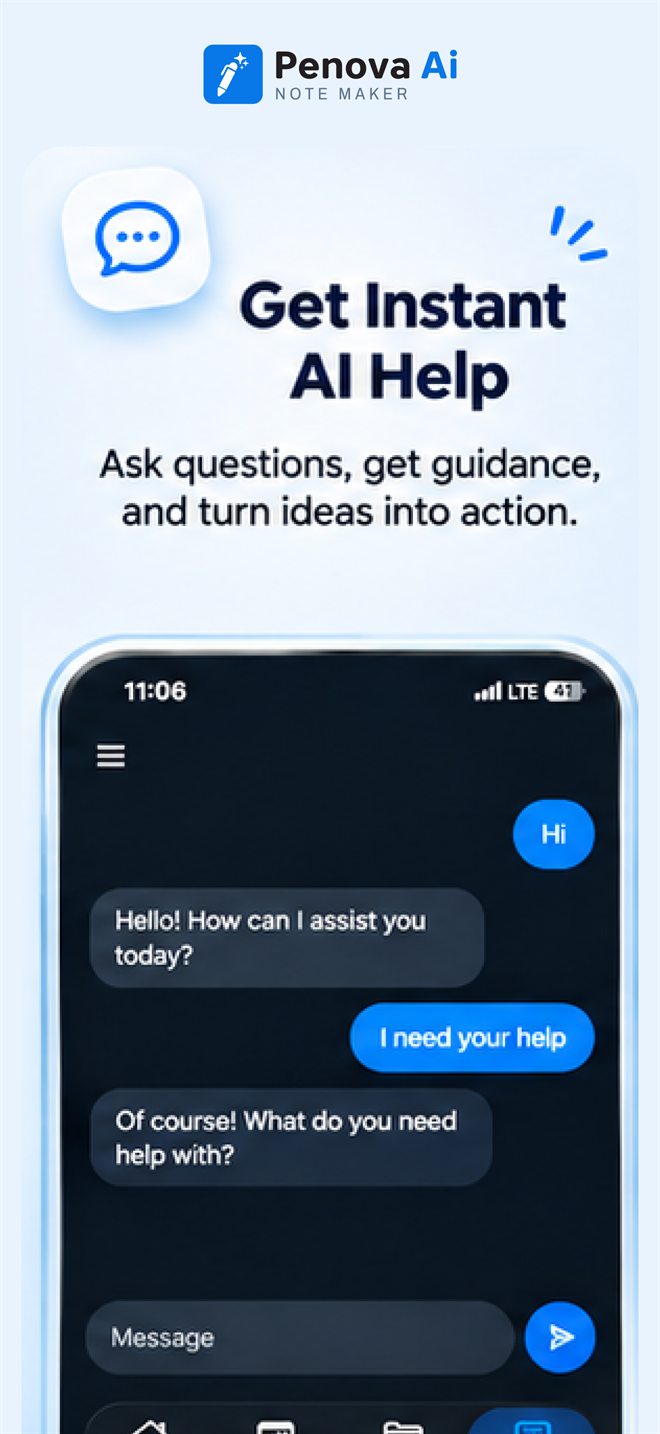
Ask Penova Pro
Penova's AI assistant lives in the Chat tab. Ask a question and get an answer in seconds.
- A dedicated Chat tab, one tap from anywhere in the app
- Ask questions in your own words
- Get help writing, explaining or planning
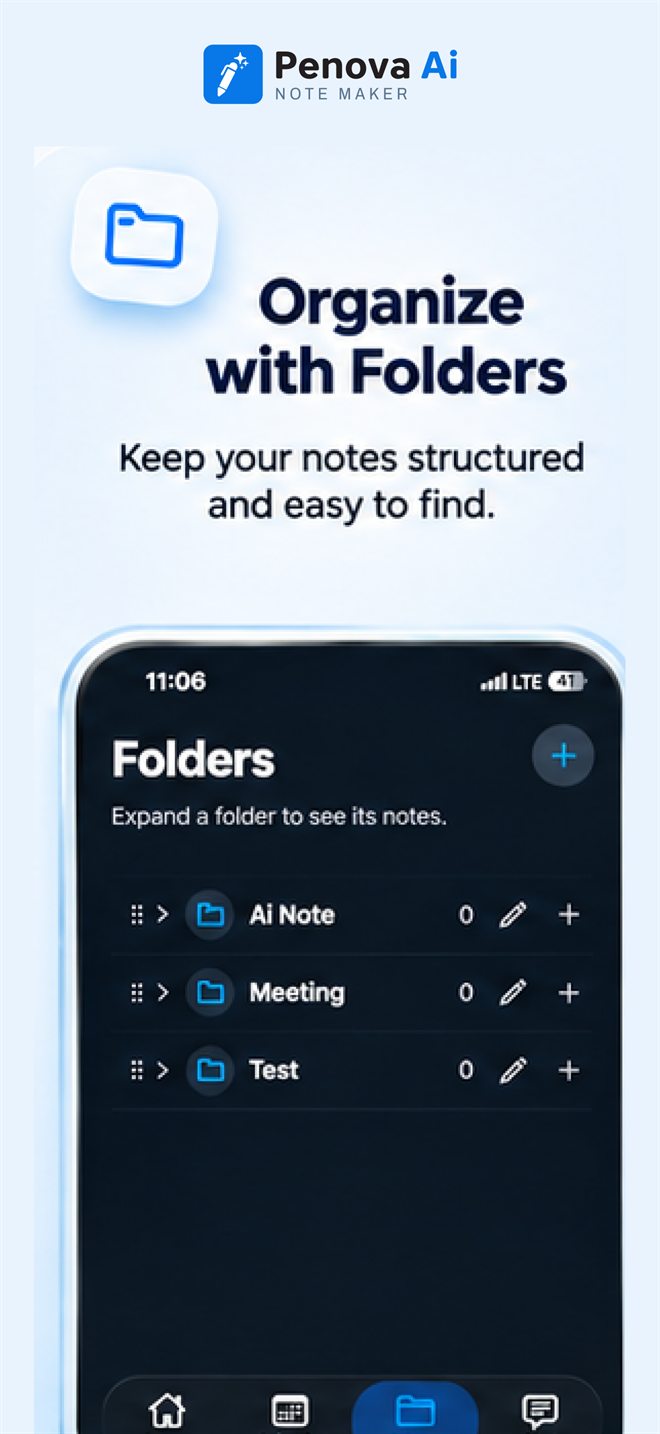
Search, folders & favorites
Find the note you need and keep the rest tidy.
- Search your notes from the Home screen
- Sort your notes the way you like
- Mark your most important notes as favorites
- Move notes into folders for projects, clients or subjects
- Share a note with others
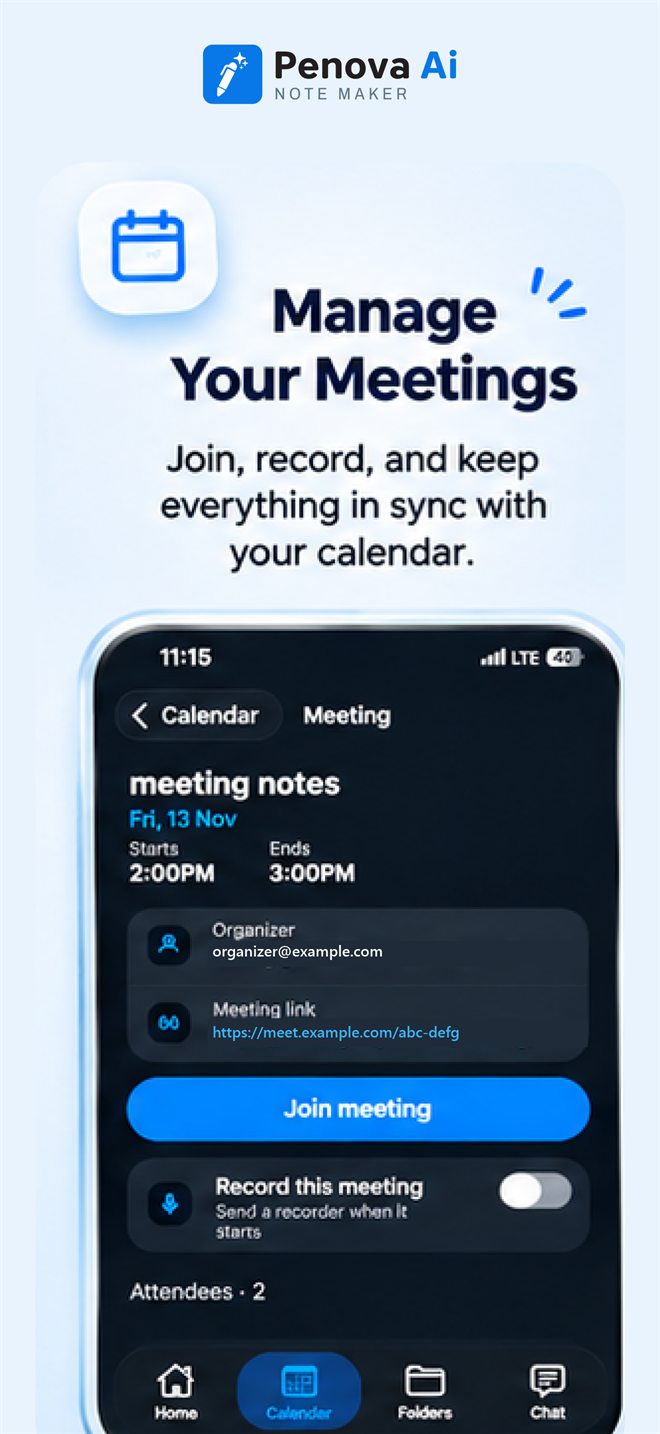
Calendar & meeting recording Pro
Connect your calendar and manage your meetings from Penova's Calendar tab.
- Connect Apple Calendar, Google Calendar, Outlook or Teams
- See upcoming meetings with time, organizer and attendees
- Join online meetings in one tap
- Switch on "Record this meeting" to have it recorded
Penova on Apple Watch Pro
Your phone stays in your bag. Your ideas don't get away.
- Record straight from your wrist
- The recording is sent to your iPhone
- It's saved as a note, ready to read
What's in each plan
Free
Voice notes, transcription, AI summaries, search and folders, favorites and sharing.
Pro Most popular
Everything in Free, plus audio, video and PDF import, speaker labels, Apple Watch recording, Ask Penova chat, and calendar and meeting recording.
See it on your own meetings.
The Free plan includes voice notes, transcription and AI summaries.